



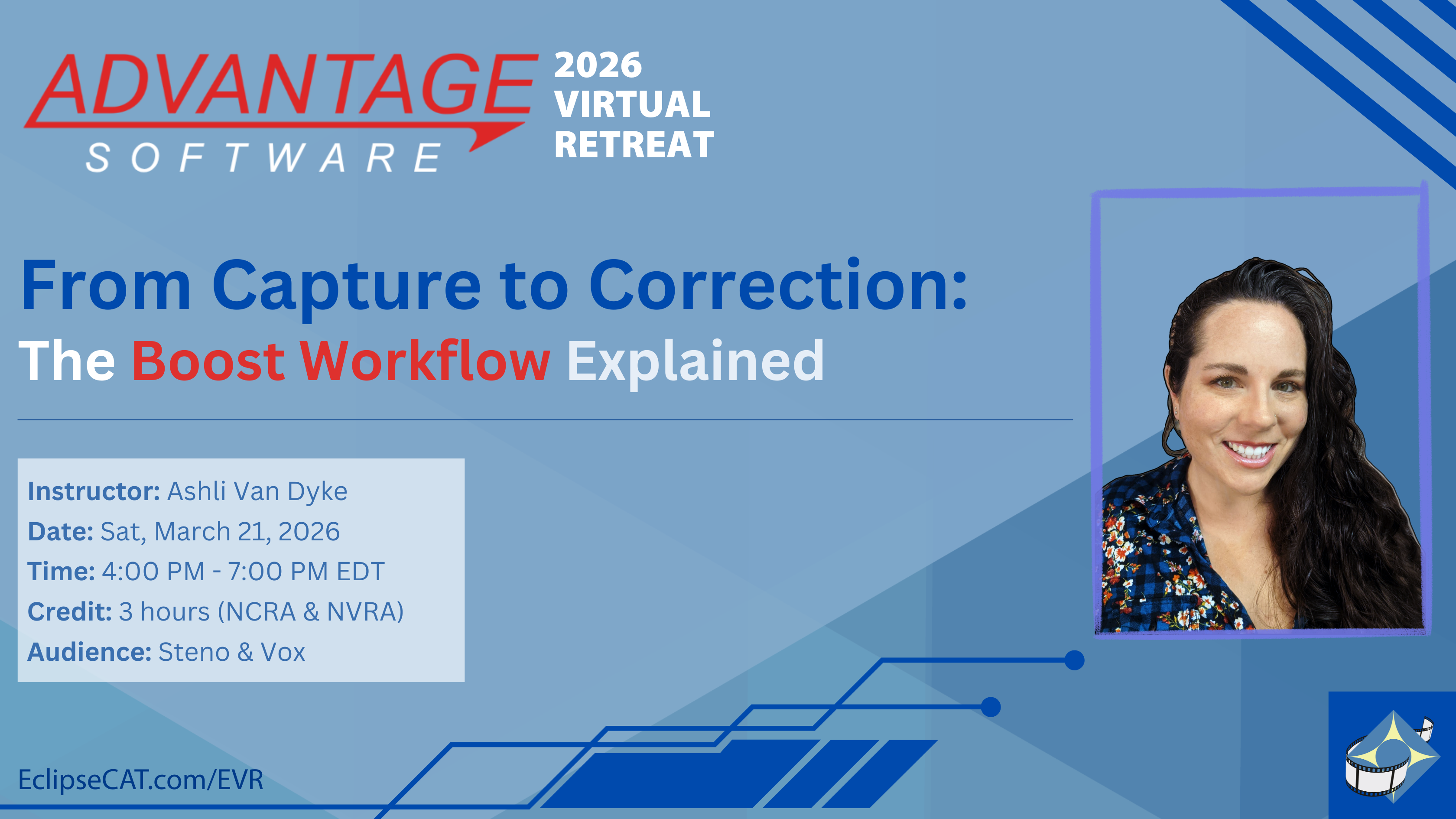
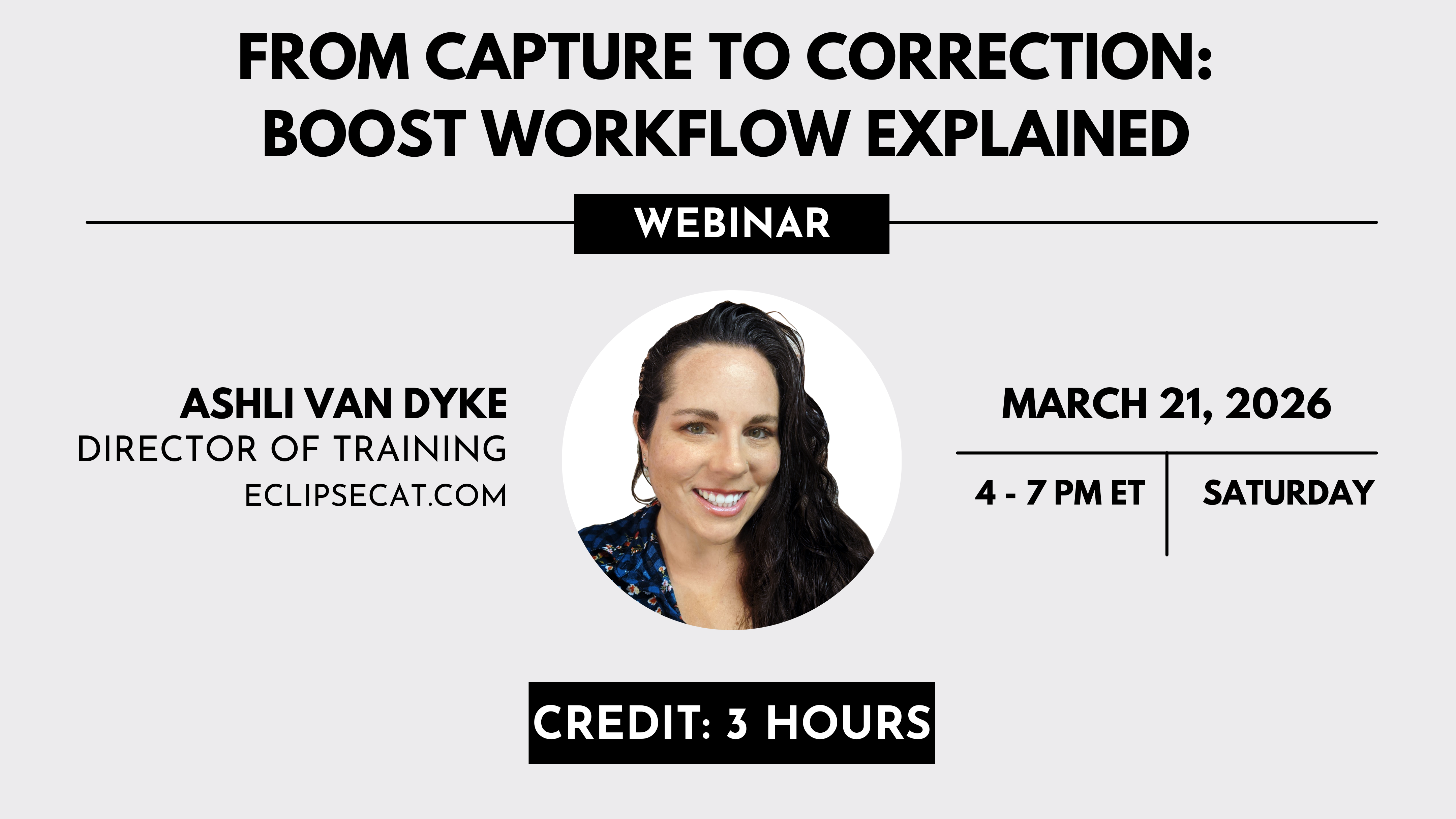
Boost in Eclipse is not a single feature, but a coordinated family of tools designed to support reporters from the moment translation begins through final transcript correction. While each Boost component serves a distinct purpose, they are most effective when understood as parts of a unified workflow.
This webinar provides a structured, practical walkthrough of the entire Boost ecosystem, focusing on how the tools function, how they differ, and how they integrate into both realtime and post-session editing environments. Rather than simply demonstrating features, the session emphasizes proper configuration, intentional use, and professional judgment.
Attendees will gain clarity on how Boost, Boost Flow, and Boost Edit interact with the speech engine, how to prepare and manage vocabulary for optimal results, and how to interpret suggestions accurately. Special attention is given to setup, exclusions, logging, minute management, and workflow selection so reporters can use Boost tools predictably and responsibly.
What you will walk away with
- A clear understanding of the Boost ecosystem as one workflow, not isolated tools
- How Boost, Boost Flow, and Boost Edit differ, and when each should be used
- Practical guidance for vocabulary preparation and suggestion interpretation
- Best practices for setup, exclusions, logging, minute management, and workflow selection
- Professional judgment guidance: when to use Boost tools, and when not to
By the end of this session, participants will understand not only how each feature works, but when to use it, when not to use it, and how to incorporate it into a workflow that enhances accuracy and efficiency without compromising professional standards.
Learning ObjectivesUnderstanding the Boost FamilyIdentifying and defining each Boost function Attendees will learn the purpose, scope, and intended use of each Boost feature and how they differ from one another.
Configuration and Setup
Workflow Integration
Plugins and Supporting Tools
Practical Application
Troubleshooting and Minutes Management
Professional Responsibility and ScopeUnderstanding what Boost does and does not doClear reinforcement that Boost tools assist with error identification and correction but do not replace reporter judgment, responsibility, or transcript review. |
|
|
Trainer Qualifications & Bio
|
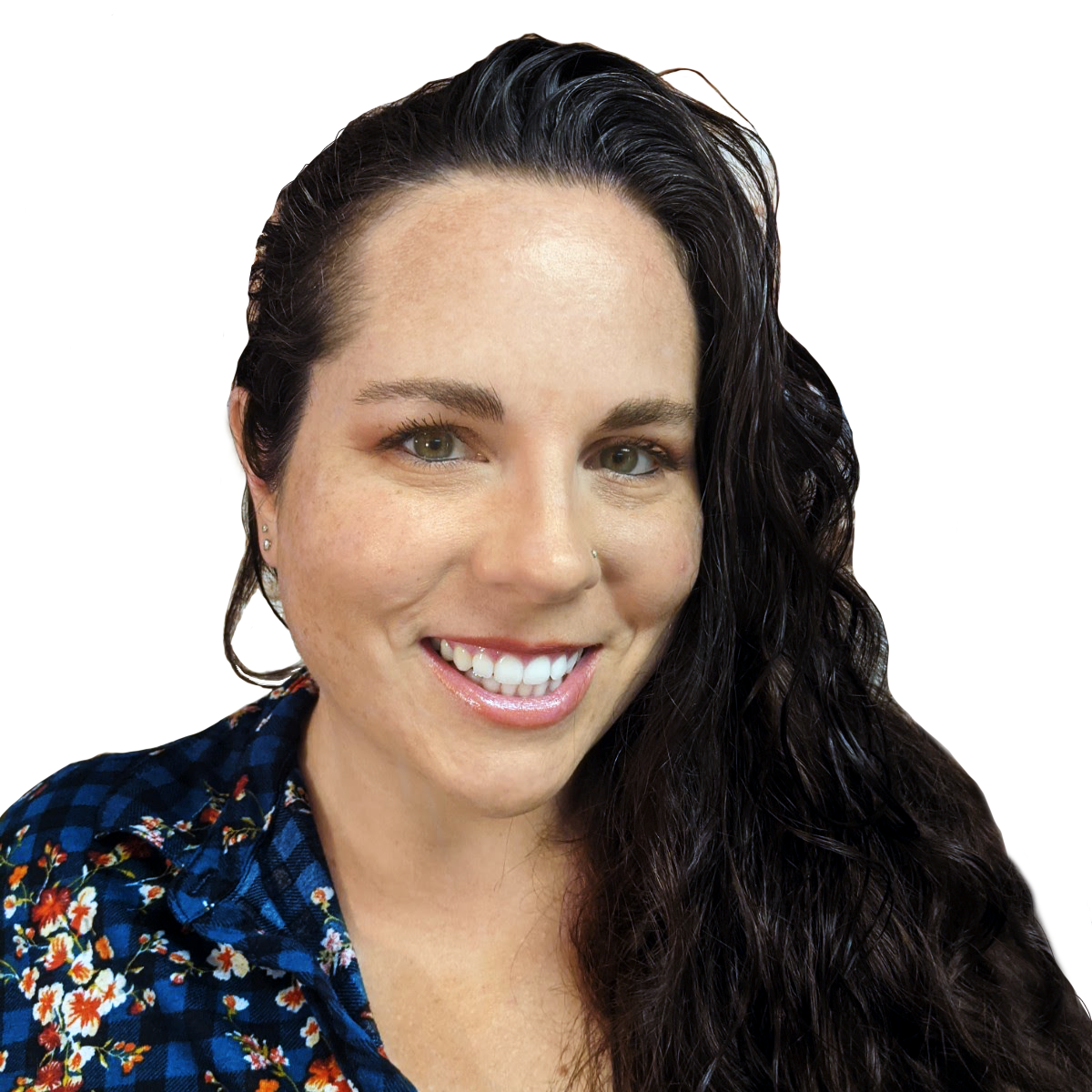
Ashli was born and raised in Phoenix, Arizona, moving to Florida and joining the Advantage Software team in 2010. At Advantage, Ashli got her start in tech support, and she quickly netted a reputation as a go-to person for help with extraordinary Eclipse questions and for discussing ideas. Over the years she has worked intimately with the Eclipse development team and has played a key role in many version releases. She has been involved with product research, quality assurance, technical writing, and customer education. She especially loves demoing the benefits of Eclipse and showing off its latest features! Ashli also manages and produces all the video content on Advantage Software’s official YouTube channel. She uploads new content weekly and keeps it fresh on everything Eclipse, Bridge Mobile, and more. Check it out [HERE] and Subscribe today. |
 |
Ashli's Recent Events
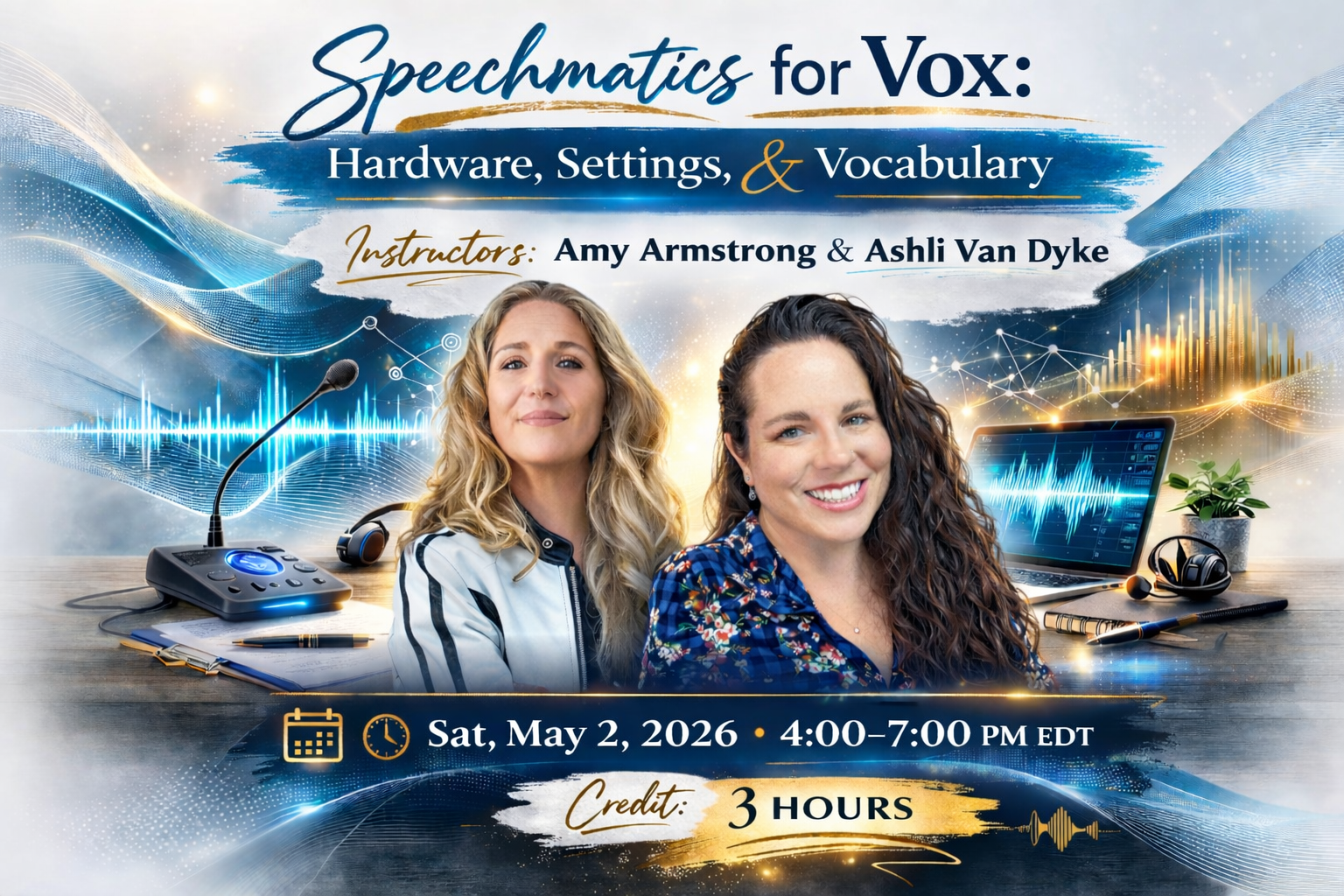 |
May 2026
|
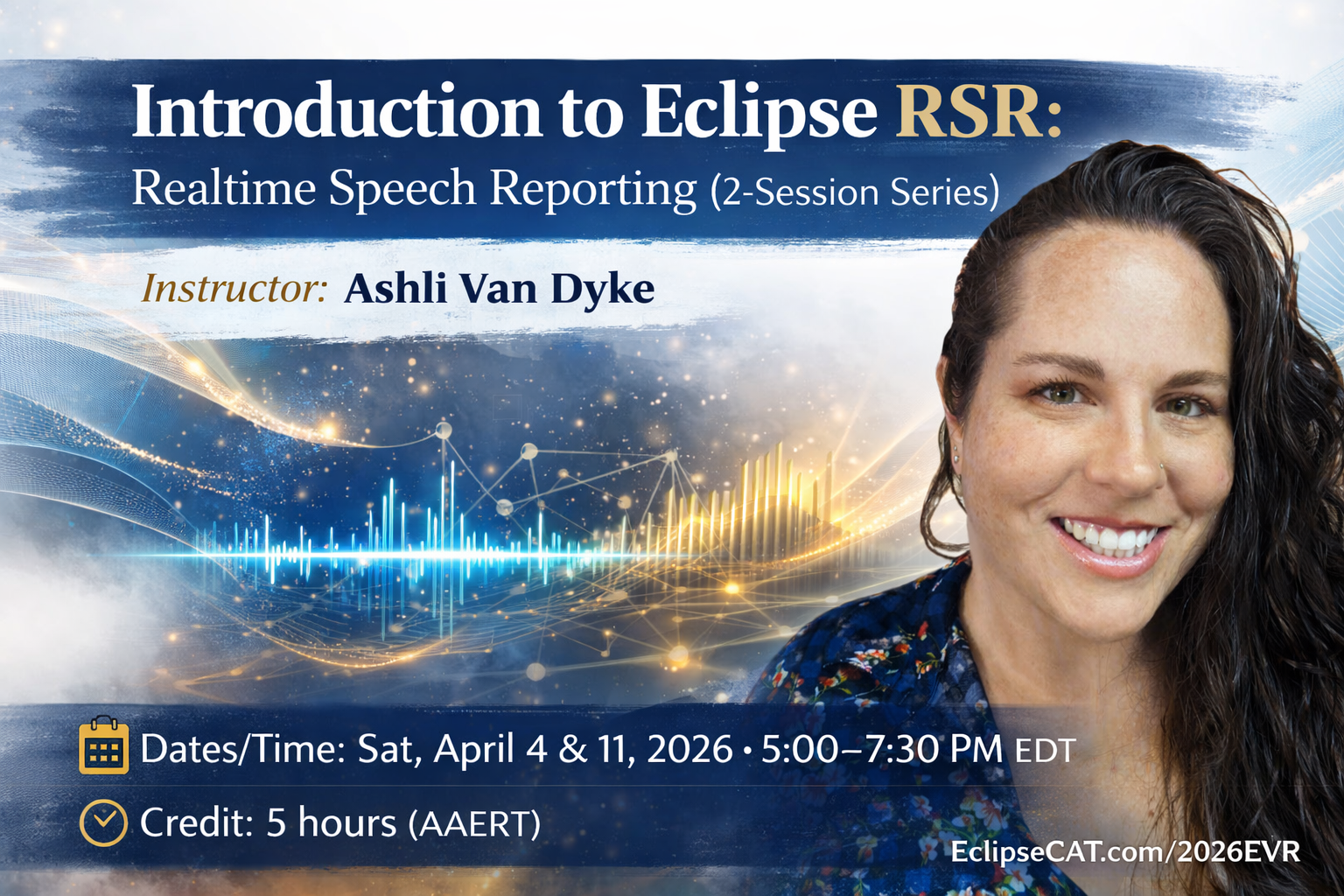 |
April 2026
|
 |
April 2026
|
 |
March & April 2026
|
 |
March 2026
|
 |
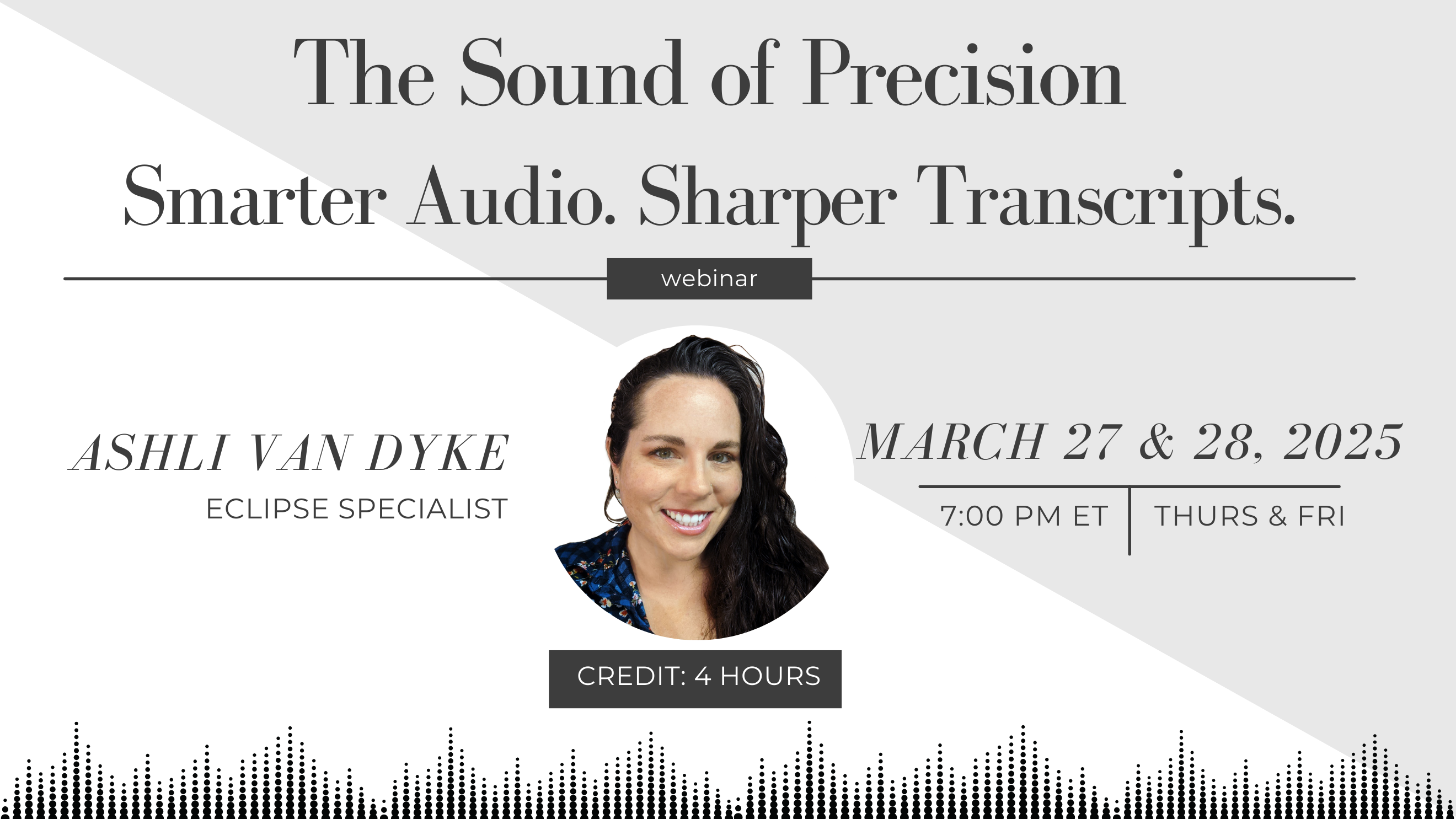
March 2025
|
 |
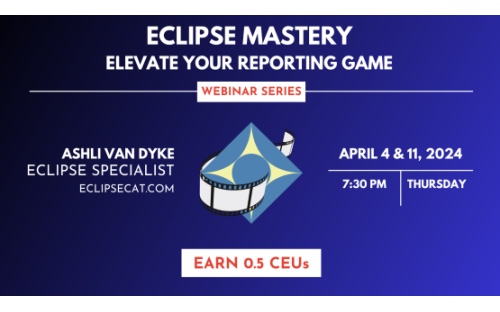
March 2025
|
 |
April 2024
|
 |
March 2023
|
 |
January 2022
|
 |
September 2022
|
 |
March 2022
|