You are here

CHECKOUT PAGE | 2-SESSION WEBINAR
 
Instructor: Ashli Van Dyke
Date/Time: Sun, Mar 29 & Apr 5, 2026 | 4:00 PM - 7:00 PM EDT
Credit: 5 hours (pending approval)
Recording Access: Unlimited viewing on our website for at least 90 days (purchase and login required). Available within 7 days after the live event has occurred.
Registration Link: Registration is required to watch the live event. If you have not registered, please click here to do so. No refunds.
 
Session 1: Sun, Mar 29, 2026 5:00 PM - 7:30 PM EDT
Session 2: Sun, Apr 5, 2026 5:00 PM - 7:30 PM EDT
 
 
*Fees associated with submitting certificates to NCRA are not included with the purchase.


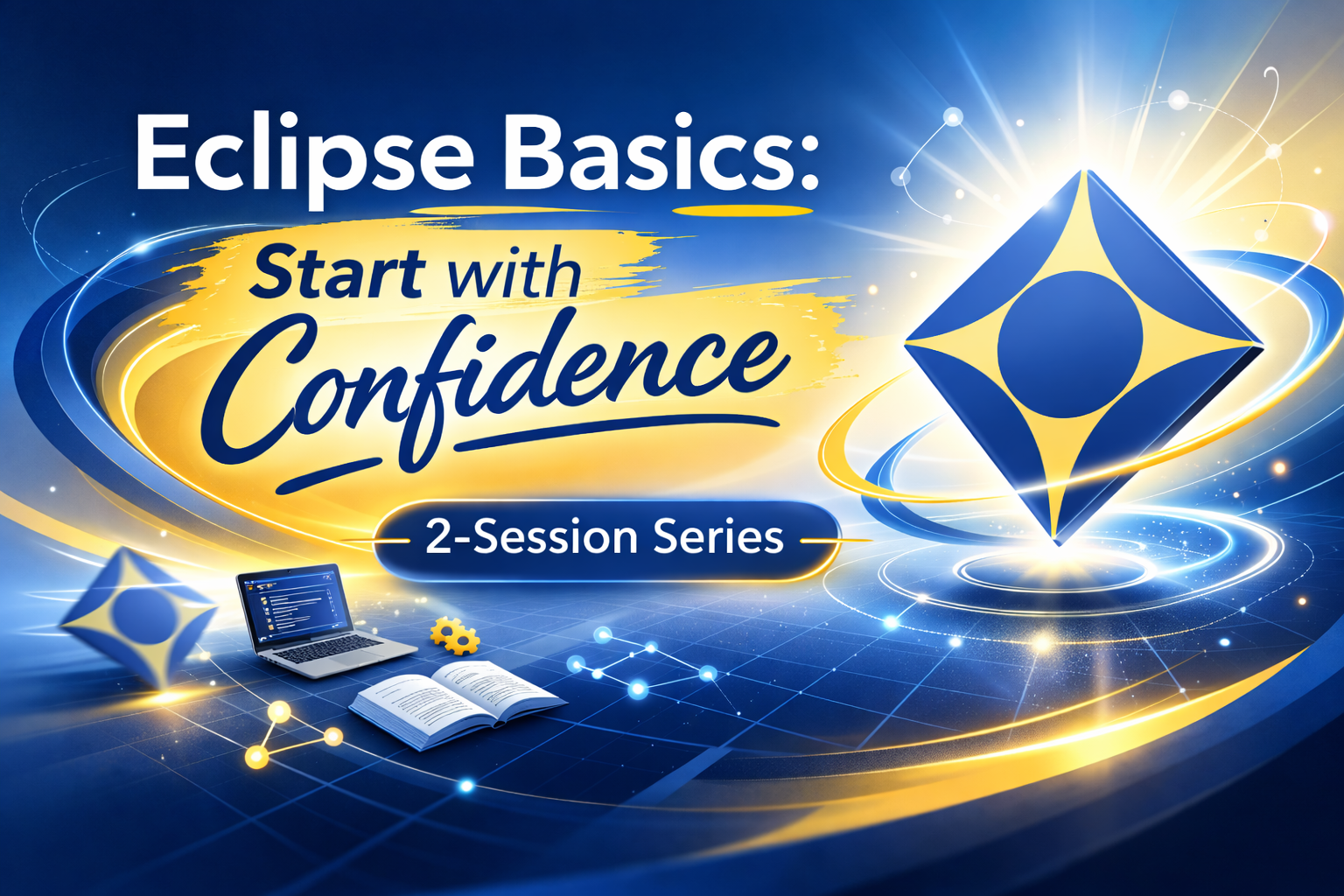
Eclipse Basics is a comprehensive foundational course designed to guide new users through the essential components of working in Eclipse—from installation and configuration to realtime translation, editing, and final transcript delivery.

In this webinar, attendees will learn where critical tools live, how key features function, and how to build sound workflow habits from the very beginning. Topics include licensing and setup, dictionary and translation fundamentals, realtime output options (including Bridge and CART), core translation tools such as Translation Magic and Auto-Brief, editing foundations including Hyperkeys and Boost Edit, and best practices for final production and delivery.

Whether you are brand new to Eclipse or looking to reinforce core concepts, this session provides the structured foundation needed to work confidently and efficiently in the Eclipse environment.


Learning Objectives

Installation and Licensing

  • Hardware and operating system requirements
    Learn the basic hardware and operating system requirements needed to run Eclipse effectively and avoid common performance issues.
  • Installation process
    Instruction on where to obtain Eclipse installation files and best practices for a smooth, successful installation.
  • Keyless license installation and functionality
    Attendees will learn how to install and use the Eclipse keyless license, how keyless licensing functions, and what protections and limitations are built into the system.

Configuration and Initial Setup

  • File locations and data management
    Learn where Eclipse stores user data, how to locate files within the software, and how Eclipse interacts with Windows file locations.
  • Important Windows settings
    Instruction on key Windows settings that should be adjusted for optimal Eclipse performance.
  • Connecting to a steno machine
    Attendees will learn where to configure their writer, test the connection, and start and stop realtime input within Eclipse.
  • Dictionary assignment and priority
    Learn how to assign dictionaries correctly and how dictionary order impacts translation results.
  • Document formatting
    Instruction on adjusting paragraph styles, margins, and document settings to meet formatting requirements for officials, deposition work, CART, or freelance reporting.
  • Block file creation and use
    Learn how to create a block file, use basic blank fields, and read block files into a transcript during realtime or editing.
  • Customizable settings
    An introduction to key customizable settings that new users should understand and begin incorporating into their workflow as needed.

Dictionary and Translation Fundamentals

  • Conflicts
    Learn why conflicts are a powerful tool for improving efficiency and accuracy, and how to construct and train them effectively.
  • Translation-based formatting
    Instruction on Eclipse formatting tools that apply formatting during translation, reducing the need for manual editing later.
  • Macros
    Attendees will learn where to find available realtime macros, how they function, and which macros are most useful to implement early.

Realtime Output Options

  • Bridge
    Instruction on outputting realtime to Bridge, Advantage Software’s realtime viewing platform, and how reporters and viewers can get the most out of the experience.
  • Other realtime viewers
    Learn how to configure basic output to third-party realtime viewing platforms and which questions to ask when connecting to a new system.
  • CART
    Attendees will learn how to configure and use Eclipse’s built-in CART functionality.
  • Closed captioning
    An overview of closed captioning options in Eclipse, including which output methods require the AccuCAP license add-on and which can be used with standard licenses.

Core Translation Tools

  • Translation Magic
    Learn how Translation Magic assists with improving translation accuracy and how to adjust settings to suit individual writing styles.
  • Auto-Brief
    Instruction on how Auto-Brief provides brief suggestions during writing, how to adjust its display, and how to customize the types of briefs offered.
  • Plugins for translation efficiency
    An overview of plugins that help clean up dictionaries, streamline translation, and track important information such as speakers and exhibits.

Editing Foundations

  • Introduction to Hyperkeys
    Learn how to begin using Hyperkeys, where to find guidance, and how to practice using these powerful efficiency tools without feeling overwhelmed.
  • Edit Mode overview
    Instruction on using Edit Mode to perform editing directly from the steno machine, leveraging writing skills for faster correction.
  • Boost Edit
    An introduction to Boost Edit as an accessible entry point into Boost-assisted editing during the post-session phase.
  • Creating Draft/Proofreading PDFs to proofread outside of Eclipse
    Attendees will learn the methods to proofread outside of the software for maximum efficiency, portability, and comfort.

Delivery

  • Final Document Production
    Learn how to create the most commonly requested formats for final transcripts and identify important options in creating each.


  • Bundles & Delivery
    Attendees will gain instruction on attaching exhibits, bundling transcripts, and using the customizable delivery function.

Plugins Overview

  • Efficiency and productivity plugins
    A guided overview of popular, time-saving plugins that new users can begin using early to improve accuracy and efficiency.


Trainer Qualifications & Bio

Ashli was born and raised in Phoenix, Arizona, moving to Florida and joining the Advantage Software team in 2010.  At Advantage, Ashli got her start in tech support, and she quickly netted a reputation as a go-to person for help with extraordinary Eclipse questions and for discussing ideas. Over the years she has worked intimately with the Eclipse development team and has played a key role in many version releases. She has been involved with product research, quality assurance, technical writing, and customer education. She especially loves demoing the benefits of Eclipse and showing off its latest features!

Ashli also manages and produces all the video content on Advantage Software’s official YouTube channel. She uploads new content weekly and keeps it fresh on everything Eclipse, Bridge Mobile, and more. Check it out [HERE] and Subscribe today.


Ashli's Recent Webinars

March 2025
March 2025
April 2024
March 2023
January 2022
September 2022
March 2022


$200.00