



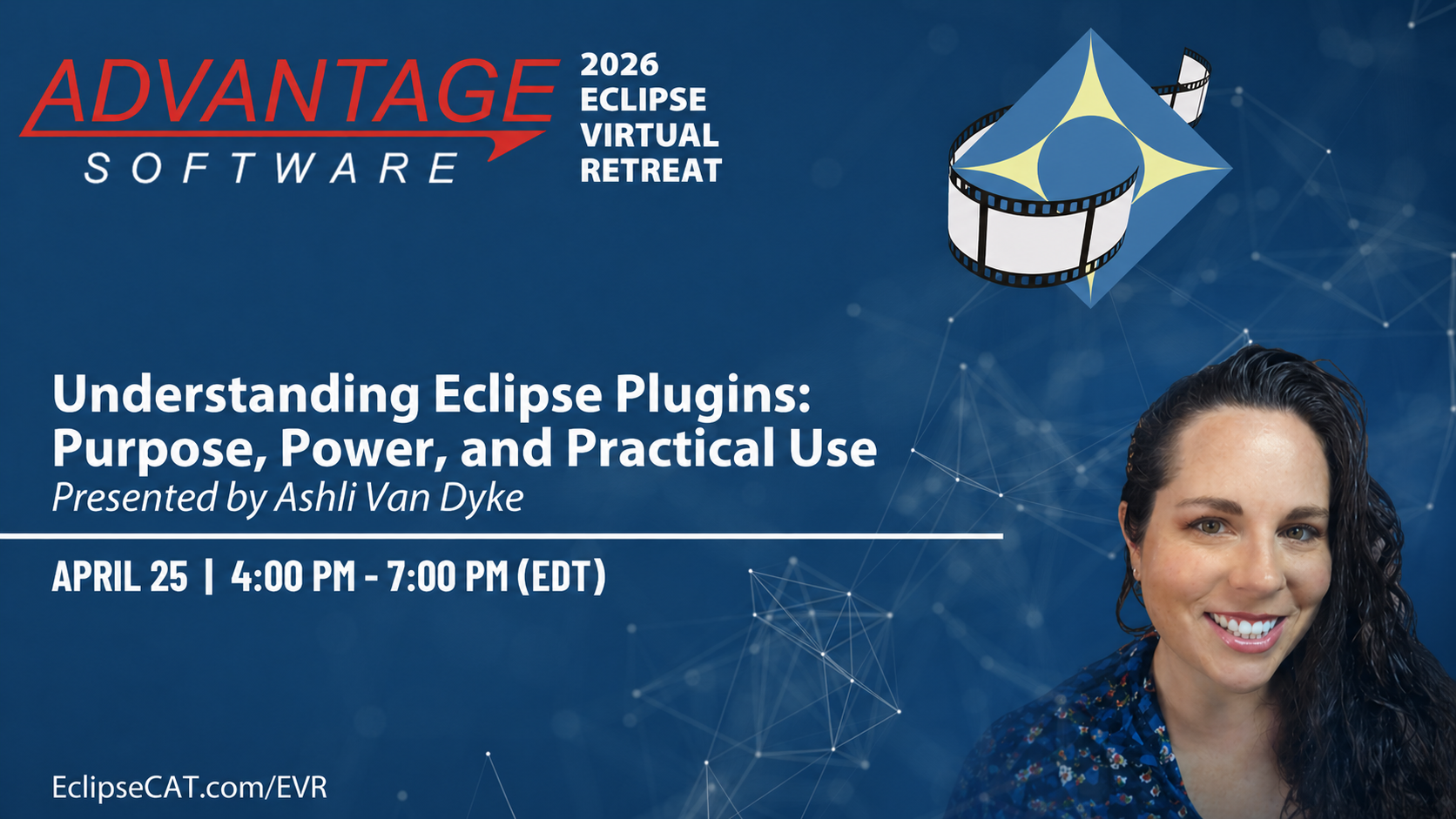
Eclipse plugins are modular tools designed to extend, refine, and specialize core Eclipse functionality without altering the underlying software. They allow reporters to tailor Eclipse to their individual workflows, practice areas, and production needs while maintaining stability and consistency.
In this webinar, attendees will gain a structured understanding of the Eclipse plugin ecosystem, including how plugins are organized, what problems they are designed to solve, and how to evaluate which plugins are appropriate for their work. Emphasis is placed on intentional selection, correct usage, and understanding how plugins interact with existing Eclipse workflows.
Learning Objectives
- Understand the role of plugins within the Eclipse software architecture
- Identify plugin categories and the types of workflow problems they address
- Evaluate which plugins are appropriate for their reporting needs
- Apply plugins intentionally to improve efficiency, accuracy, and organization
- Understand how plugins integrate with core Eclipse features
- Avoid common misconceptions and misuse of plugin-based tools
Plugin Categories Covered
Instruction includes an overview of plugin categories currently available within Eclipse and how each supports specific workflow needs.
- User Management Plugins: Manage users, permissions, settings, and workflow consistency.
- Indexing Plugins: Assist with indexing, tracking, and organizing transcript content.
- Audio Plugins: Support recording, playback, enhancement, and analysis.
- Production Plugins: Help with transcript formatting, preparation, and delivery.
- Boost Plugins: Extend Boost workflows including correction and efficiency tools.
- Realtime Plugins: Support realtime output and workflow management.
- Dictionary Plugins: Improve dictionary cleanup, analysis, and translation quality.
- Reports Plugins: Generate reports for tracking and review.
- Document Plugins: Assist with document structure, formatting, and navigation.
- Speech Plugins: Support speech-based workflows and recognition tools.
- Additional Plugins: Emerging tools and evolving workflow capabilities.
Instructional Focus
Understanding plugin purpose and scope
Learn what plugins are designed to do and what they are not intended to replace within your workflow.
Choosing plugins intentionally
Select plugins based on workflow needs, not just feature count.
Integration with core Eclipse features
Understand how plugins work alongside core functionality without disrupting stability.
Workflow impact and efficiency gains
Reduce repetitive tasks, improve organization, and support accuracy.
Professional responsibility and limitations
Plugins assist workflow, but do not replace judgment or responsibility for the final product.
Practical Application
Use-case demonstrations
Real-world examples showing how plugins support common reporting tasks.
Common pitfalls and best practices
Learn how to avoid overuse, redundancy, and misconfiguration.
Ashli was born and raised in Phoenix, Arizona, moving to Florida and joining the Advantage Software team in 2010. At Advantage, Ashli got her start in tech support, and she quickly earned a reputation as a go-to resource for complex Eclipse questions and idea discussions.
Over the years, she has worked closely with the Eclipse development team and has played a key role in many version releases. Her work has included product research, quality assurance, technical writing, and customer education. She especially enjoys demonstrating the benefits of Eclipse and showcasing its latest features.
Ashli also manages and produces all video content for Advantage Software’s official YouTube channel, uploading new content weekly covering Eclipse, Bridge Mobile, and more.
View ASI YouTube Channel
Ashli's Recent Events
 |
May 2026
|
 |
April 2026
|
 |
April 2026
|
 |
April 2026
|
 |
March & April 2026
|
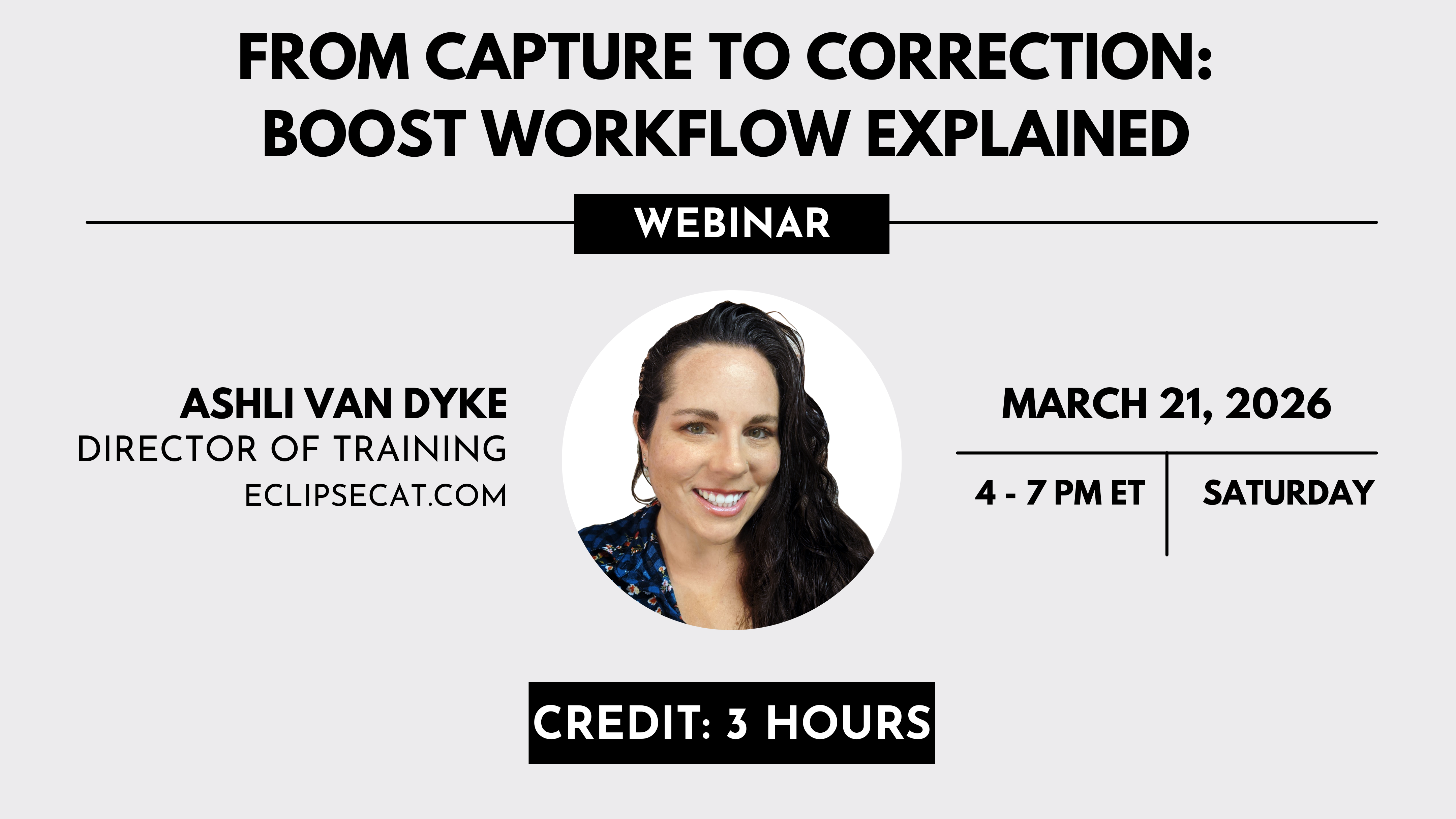 |
March 2026
|
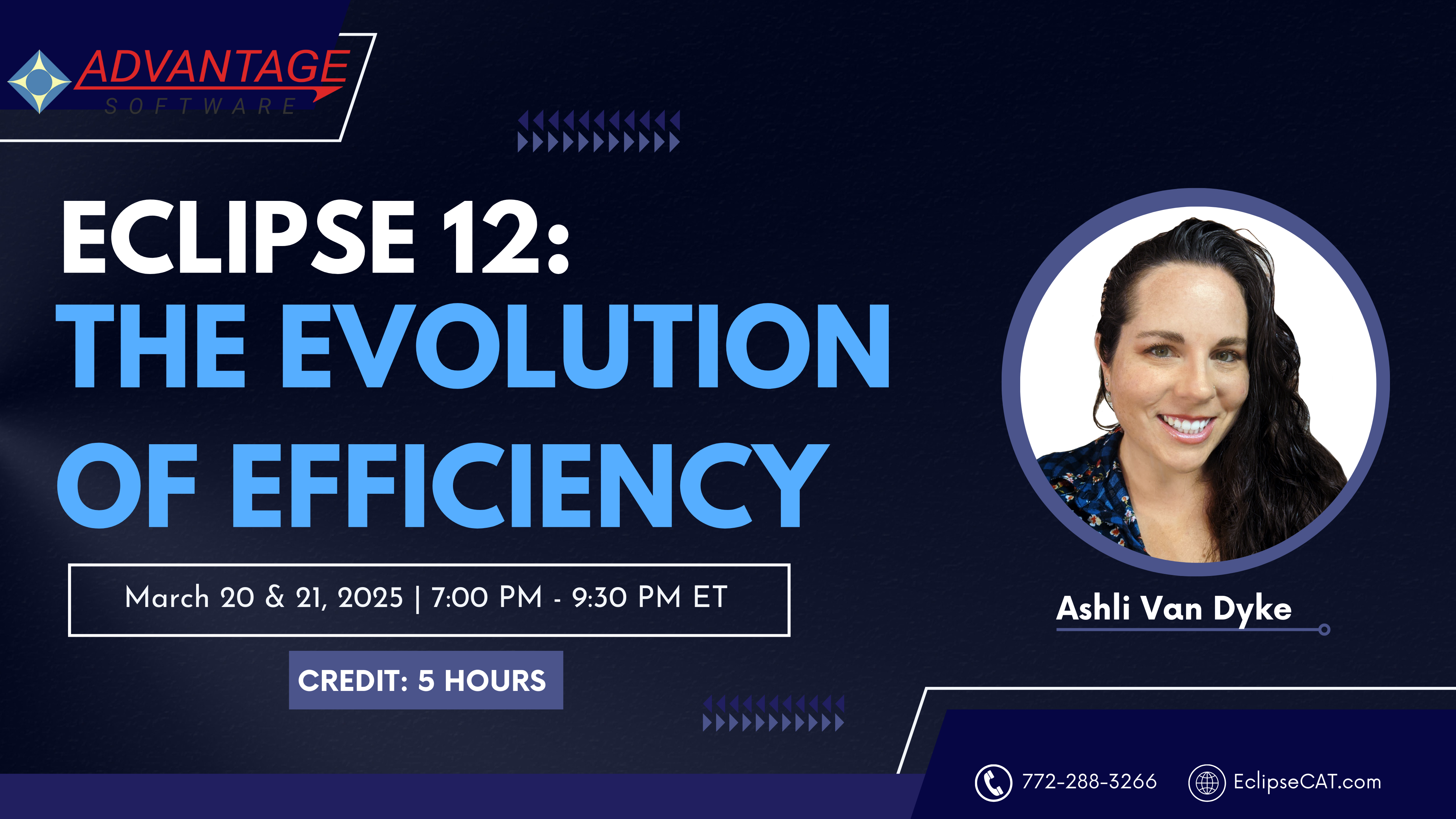 |
March 2025
|
 |
March 2025
|
 |
April 2024
|
 |
March 2023
|
 |
January 2022
|
 |
September 2022
|
 |
March 2022
|