You are here

CHECKOUT PAGE | 2-SESSION WEBINAR SERIES
 
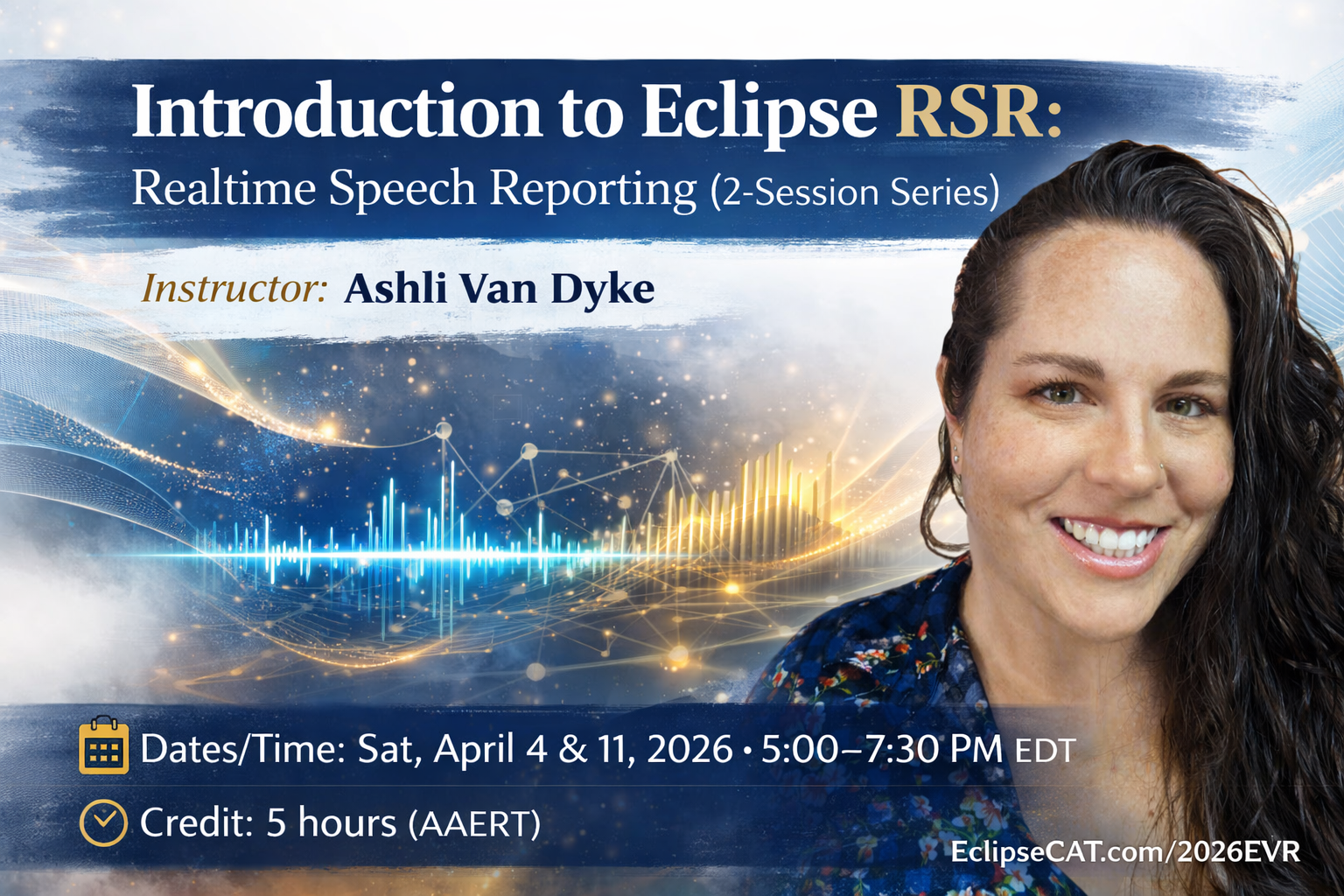
Instructor: Ashli Van Dyke
Dates/Times: Sat, April 4 & 11, 2026 5:00 PM - 7:30 PM EDT
Credit: 5 hours (pending approval w/AAERT)
Recording Access: Unlimited viewing on our website for at least 90 days (purchase and login required). Available within 7 days after the live event has occurred.
Registration Link: Registration is required to watch the live event. If you have not registered, please click here to do so. No refunds.
 
Session 1: Sat, April 4, 2026 | 5:00 PM - 7:30 PM EDT
Session 2: Sat, April 11, 2026 | 5:00 PM - 7:30 PM EDT
 
* This webinar has only been submitted to AAERT.
** Any fees required for submitting certificates are the responsibility of the attendee and are not included with purchase.


Eclipse RSR provides realtime-capable speech-to-text processing designed specifically for court reporters. In this two-session webinar, attendees will gain a clear understanding of what Eclipse RSR does, what it does not do, and how to manage the complete workflow from initial audio capture through final transcript delivery.

Participants will learn how to properly configure hardware and software, manage realtime text flow, handle speaker identification, and maintain recognition quality during live proceedings. The second session focuses on editing strategy, refinement tools, and efficient transcript production, helping reporters distinguish between realtime corrections and post-session work while maintaining professional standards.

This webinar delivers practical, workflow-based instruction to help reporters use Eclipse RSR effectively, responsibly, and with confidence from start to finish.


Part 1 – Configuration and Realtime Foundations

  • Audio recording fundamentals
    Learn how to capture high-quality audio to improve recognition accuracy, maintain speaker clarity, and reduce downstream editing.
  • Audio hardware selection and configuration
    Instruction on selecting and configuring recording and playback devices appropriate for in-person, remote, and hybrid proceedings.
  • Required plugins and core tools
    Attendees will learn which plugins are considered essential for successful Eclipse RSR operation and how they function within the workflow.
  • Managing realtime text input
    Learn how to initiate, manage, and monitor realtime text input so content is properly displayed and ready for review, editing and realtime output.
  • Processing batch audio files
    Instruction on processing previously recorded audio using Eclipse RSR for non-realtime or post-session work.
  • Speaker identification and diarization
    Attendees will learn how to identify and manage speakers using all three diarization methods available in Eclipse RSR, including guidance on selecting the appropriate method for different scenarios.
  • Handling speaker identification issues
    Instruction on recognizing common problems and solutions, determining when to intervene during realtime, and if & when to defer corrections to post-session review.
  • Q&A Mode
    Learn how to use Q&A Mode to apply proper formatting accurately and confidently during live proceedings.
  • Realtime flow management
    Attendees will learn how to manage the flow of realtime text, including which tools to prioritize, how to avoid falling behind the realtime flow, and how to maintain focus on high-impact issues during live proceedings.
  • Quality monitoring and troubleshooting signals
    Learn how to recognize signs of declining recognition quality and identify whether issues originate from audio, speaker behavior, vocabulary, or workflow configuration.
  • Vocabulary and job preparation
    Instruction on preparing the speech engine for unfamiliar terminology using vocabulary tools, dictionaries, and available job materials to improve first-pass accuracy.


Part 2 – Editing, Refinement, and Delivery

  • Editing strategy: realtime versus post-session
    Learn how to distinguish between edits that should be addressed during realtime and those best handled after the proceeding to maintain accuracy and workflow efficiency.
  • Prioritizing edits effectively
    Instruction on identifying high-impact errors, distinguishing recognition errors from speaker and formatting issues, and developing an efficient editing triage strategy.
  • Editing tools and commands in Eclipse RSR
    An in-depth review of the editing commands available in Eclipse RSR, including when and why to use each tool within an RSR workflow.
  • Recommended plugins for refinement
    Attendees will learn how optional plugins can enhance efficiency and accuracy, and how to evaluate which tools best suit their workflow.
  • Audio playback and review tools
    Instruction on using Eclipse RSR audio playback tools to support accurate review, correction, and transcript refinement in a variety of scenarios.
  • Final product creation and delivery
    Learn how to export common production file types and use the Eclipse Delivery system to streamline final transcript production and delivery.
  • Professional responsibility and scope
    Clear guidance on what Eclipse RSR does and does not do, reinforcing the reporter’s responsibility for accuracy, formatting, speaker identification, and final transcript integrity.

Workflow Integration

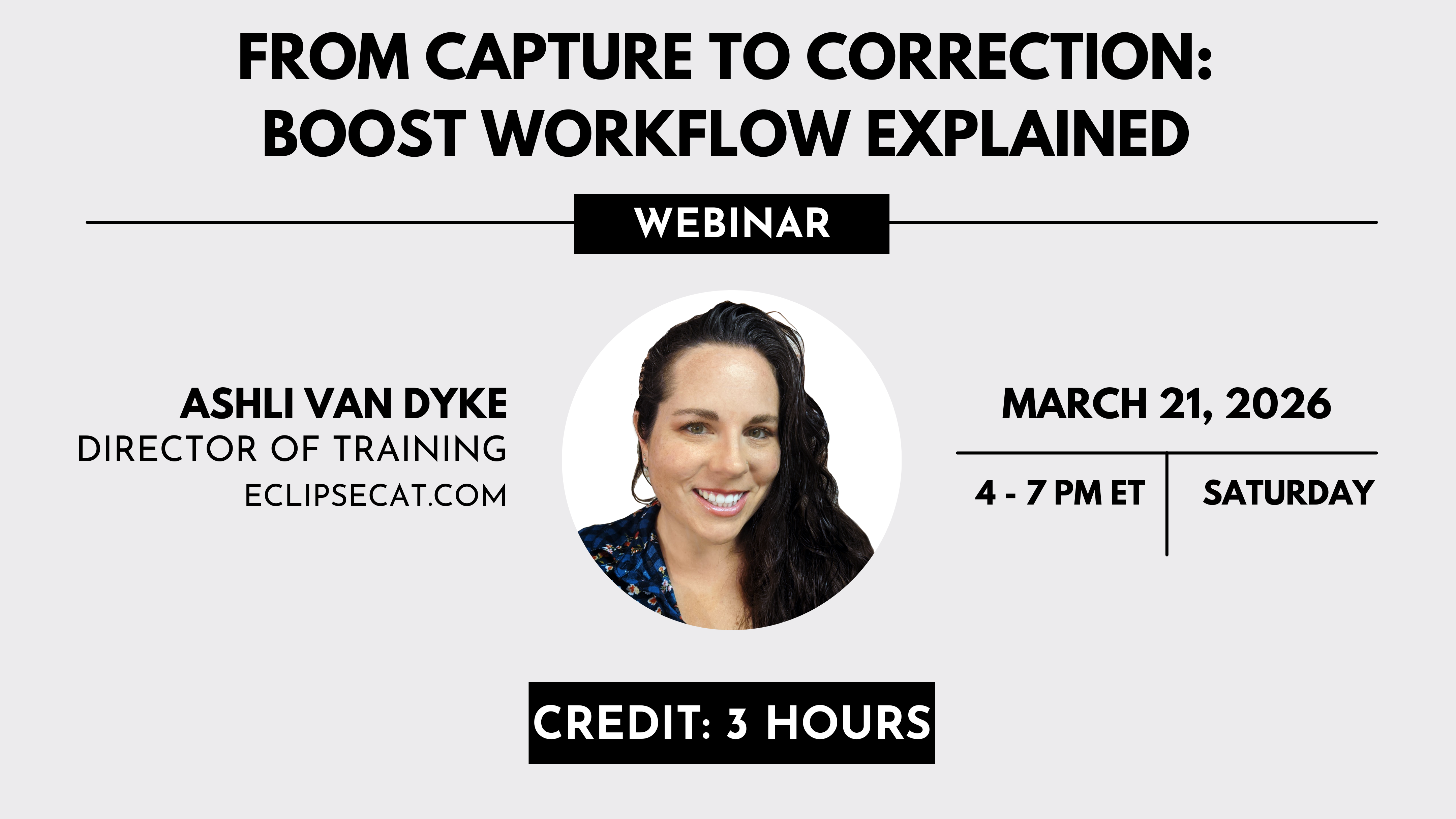
  • Choosing the right Boost tool for the task
    Learn when Boost, Boost Flow, or Boost Edit is most appropriate, and that not every tool is appropriate for every reporter. 


Plugins and Supporting Tools

  • Recommended plugins
    Attendees will be instructed on recommended plugins that enhance Boost functionality and improve efficiency across Boost, Boost Flow, and Boost Edit workflows.


Practical Application

  • Live demonstrations
    Attendees will view live demonstrations of Boost, Boost Flow, and Boost Edit in action to understand expected behavior, typical use cases, and real-world outcomes.
  • Interpreting results correctly
    Instruction on understanding Boost suggestions as guidance rather than automatic corrections, reinforcing appropriate professional judgment.
  • Enhanced Logging and interpretation
    Using Internet Journaling to yield verbose logging of Boost decision making that attendees will receive instruction on interpreting. 


Troubleshooting and Minutes Management

  • Identifying and resolving common issues
    Learn how to recognize and correct common configuration and workflow issues that affect Boost behavior.
  • Understanding Boost minute usage
    Instruction on how Boost minutes are consumed, how usage differs between features, and how to monitor and manage usage to avoid interruptions.


Professional Responsibility and Scope

Understanding what Boost does and does not do
Clear reinforcement that Boost tools assist with error identification and correction but do not replace reporter judgment, responsibility, or transcript review.


Trainer Qualifications & Bio

Ashli was born and raised in Phoenix, Arizona, moving to Florida and joining the Advantage Software team in 2010.  At Advantage, Ashli got her start in tech support, and she quickly netted a reputation as a go-to person for help with extraordinary Eclipse questions and for discussing ideas. Over the years she has worked intimately with the Eclipse development team and has played a key role in many version releases. She has been involved with product research, quality assurance, technical writing, and customer education. She especially loves demoing the benefits of Eclipse and showing off its latest features!

Ashli also manages and produces all the video content on Advantage Software’s official YouTube channel. She uploads new content weekly and keeps it fresh on everything Eclipse, Bridge Mobile, and more. Check it out [HERE] and Subscribe today.


Ashli's Recent Webinars

March 2025
March 2025
April 2024
March 2023
January 2022
September 2022
March 2022


$250.00